Who can request to delete an account?
Currently, anyone may submit a request to delete an LC account, but it will not take effect until an it is approved by an approver for the Organization that the account is in.
What happens to the files owned by the account?
When making the request, you can choose to give ownership of the data in LC storage and the account's home directory to a different account. This process is meant to prevent that data being orphaned and lost when someone no longer needs their LC account. You also have the option to simply delete the storage and home directory of the account.
Step 1: Login
Log into LC IDM and authenticate via LC OAuth.
Step 2: Select "Request" from the top menu bar

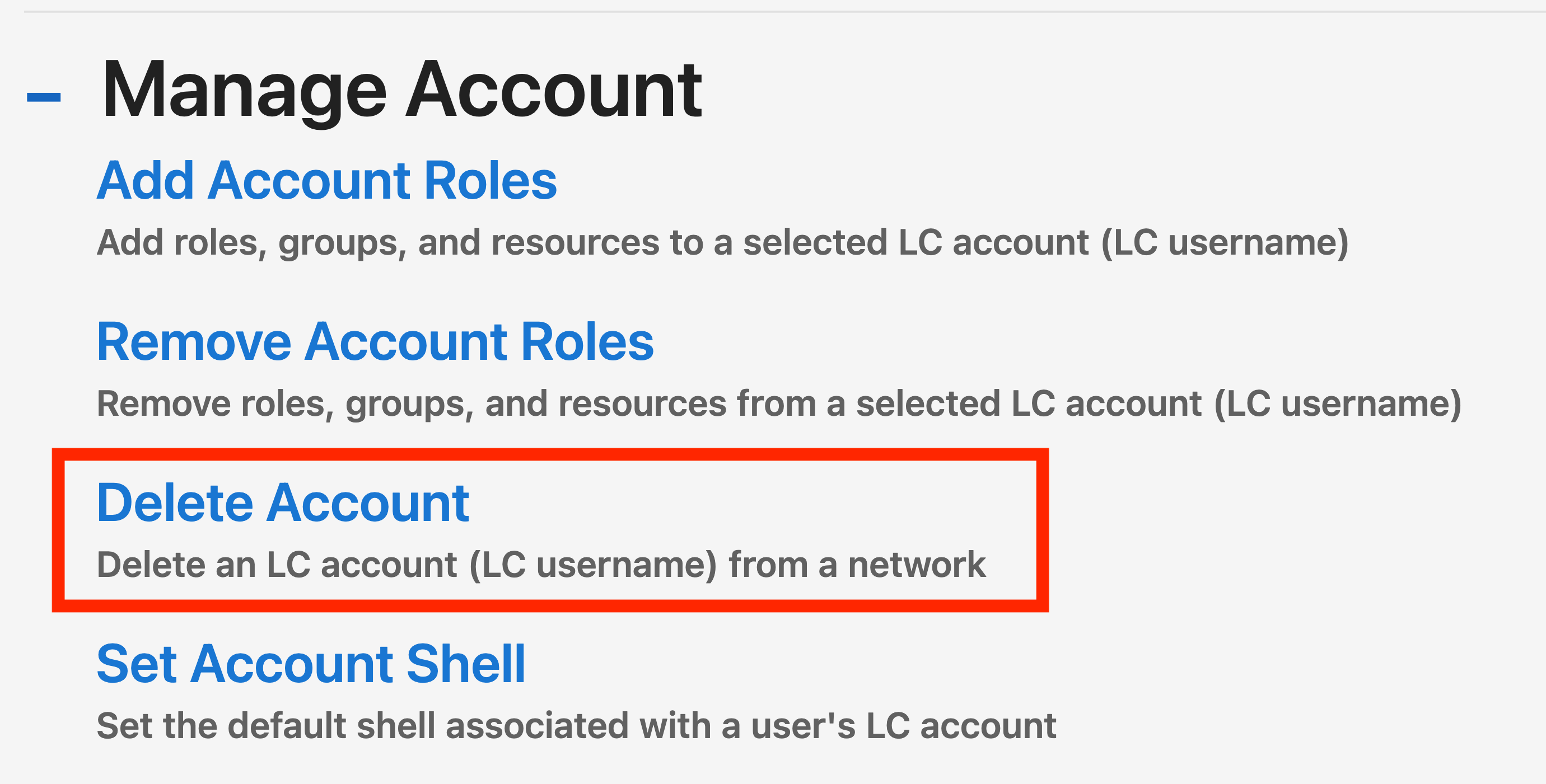
Step 3: Select "Delete Account"
Select "Delete Account" from the list of actions in the "Manage Account" section.
Step 4: Select the network
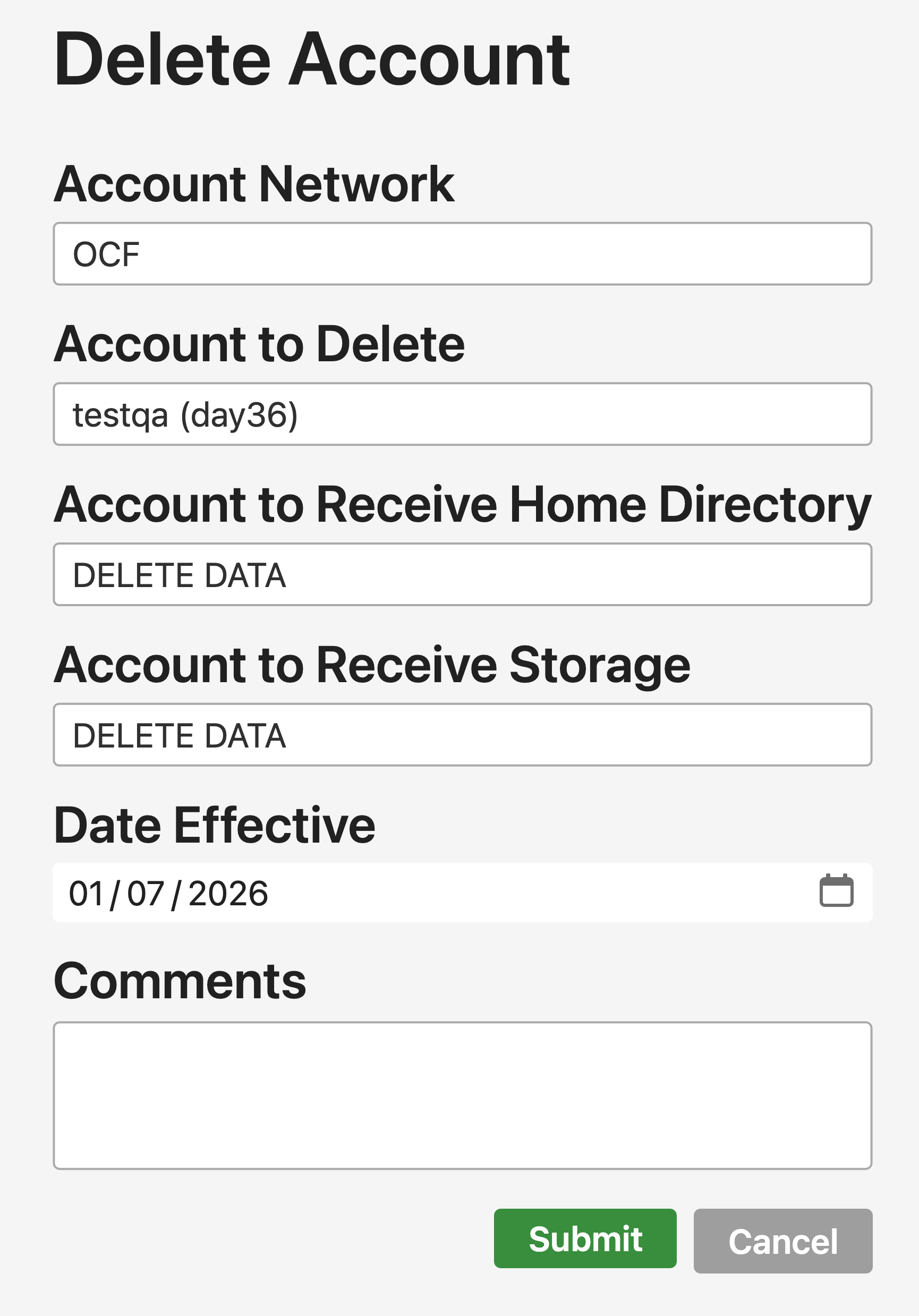
- Select the network where you want to delete the account. This will trigger the "Account to Delete" field to load.
- Type in the account you want to delete. You can only select one account at at time and it must exist on the network you selected in step 1. This will trigger the rest of the fields to load.
- Select what to do with the home directory associated with the deleted account. Either type in an account name that the data should be transferred to, or leave the default option to delete everything in the home directory.
- Select what to do with storage data, similar to step 3.
- Select the date when the account deletion should take effect.
- Provide details for the request in the "Comments" box.