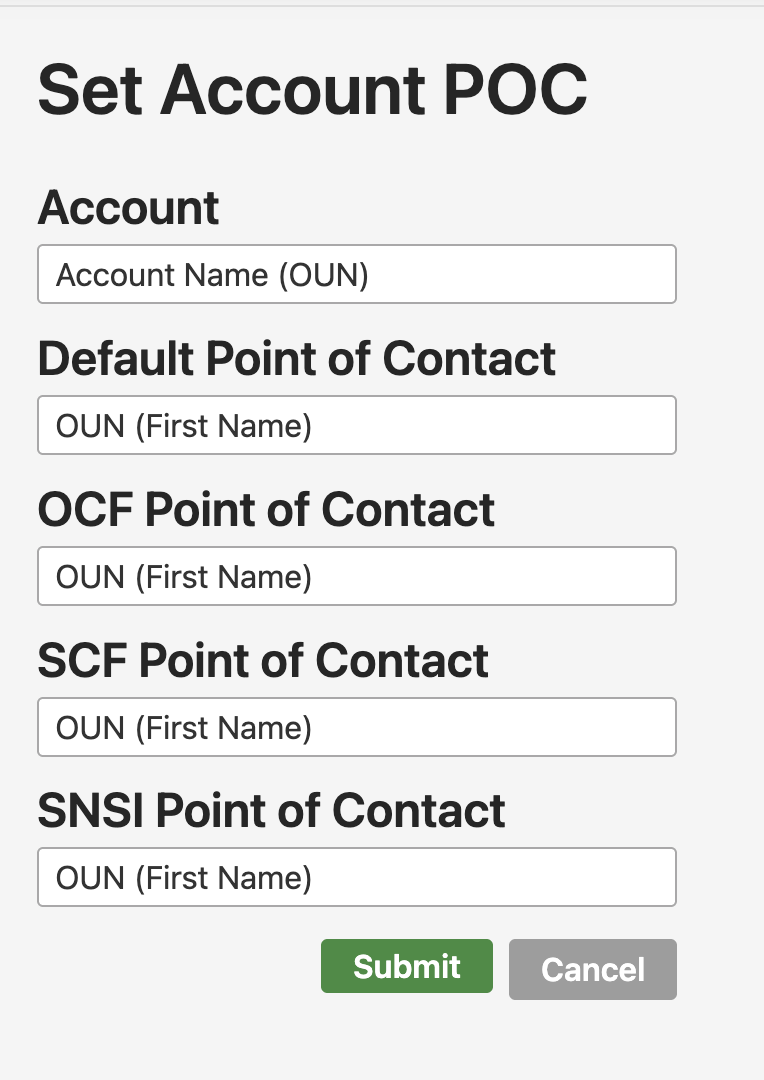
Find the Accounts section of the Request Menu and select Set Account POC.
LC Coordinators may edit the default point of contact for an account in IDM, as well as the points of contact for the account in each network. The Point of Contact (POC) is the person who would be contacted in the event that the account owner couldn't be reached. The POC should know the account owner and understand why the owner has this LC account.
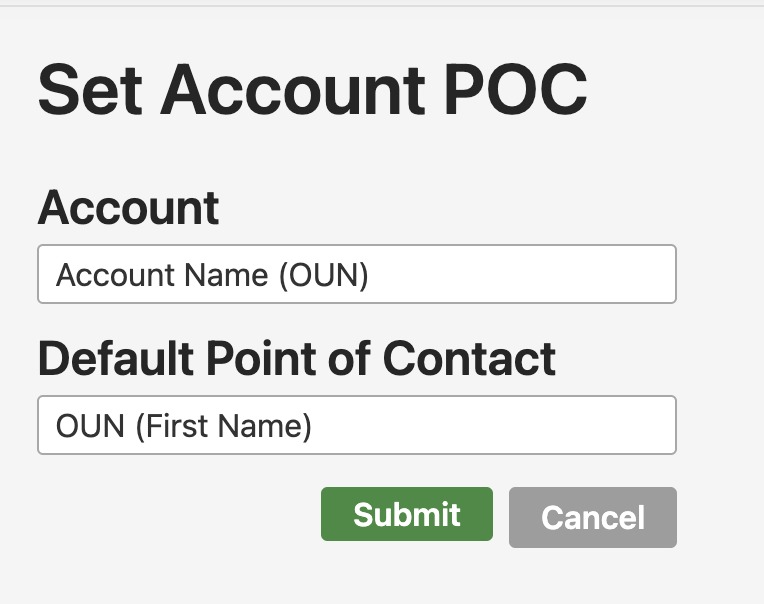
Once you select an account, the page will reload with the appropriate options for that account. All accounts can select a default POC. In addition, more boxes will load for each network in which that account exists. For an account that has OCF and SCF roles, two additional boxes will appear. In each box, you may choose a separate point of contact or you may choose "Use Default".